Automated storage systems prevent misplaced, missing, and incorrectly retrieved samples by replacing error-prone manual steps with machine-readable identity checks, task-based access, location confirmation, and real-time inventory updates.
In manual workflows, samples are identified by eye, moved by hand, logged on paper or spreadsheets, and stored in remembered positions. Each step can introduce mistakes. Automated systems create multiple checkpoints: a cryovial or rack is scanned before movement, the storage location is validated against a software record, and the inventory is updated only after the correct action is confirmed. This does not remove the need for human oversight, but it narrows the points where silent errors can occur.
Where Manual Sample Handling Breaks Down
Most sample mishandling begins with visual identification. Labels fade, handwriting varies, and vials look alike. A technician may read a code incorrectly, place a rack in the wrong shelf, or return a rack to an empty position that was not recorded. Transcription adds another risk: a correct scan can be followed by a wrong keystroke in a spreadsheet. Remembered locations also fail when staff change shifts or freezers become crowded. Finally, missed reconciliation means that a missing sample may go unnoticed until a study or clinical process needs it. Automated storage addresses these failures by making identity, location, and movement part of controlled workflow rather than manual actions.
Standardized 2D Identification and Automated Scanning
The first control point is the 2D code on the bottom of each cryovial or rack. Unlike handwritten labels, a 2D code can be read by a scanner without requiring a person to see it. In an automated system, the scanner records the vial identity before any movement. The software then compares that identity with the identity specified in the requested task. If the scanned vial does not match the worklist, the system can stop the retrieval or flag the mismatch. This prevents a user from picking a visually similar but incorrect vial. It also creates an audit trail: every scan is timestamped and linked to a user, a task, and a storage position. For shared laboratories, this traceability is important because it shows who accessed which sample and when.
Task-Based Storage and Retrieval
Automated systems do not allow open browsing of a freezer. Instead, a user or a laboratory information management system submits a task, such as retrieving a specific set of vials or returning a rack to storage. The automation then selects the correct position and presents only the requested item. This task-based model reduces two kinds of errors at once. It reduces picking errors, because the system does not rely on the user to remember a location. It also reduces repeated handling, because the user no longer needs to open a manual freezer door and search multiple shelves: the system moves the requested rack or cryovial directly to an access point.
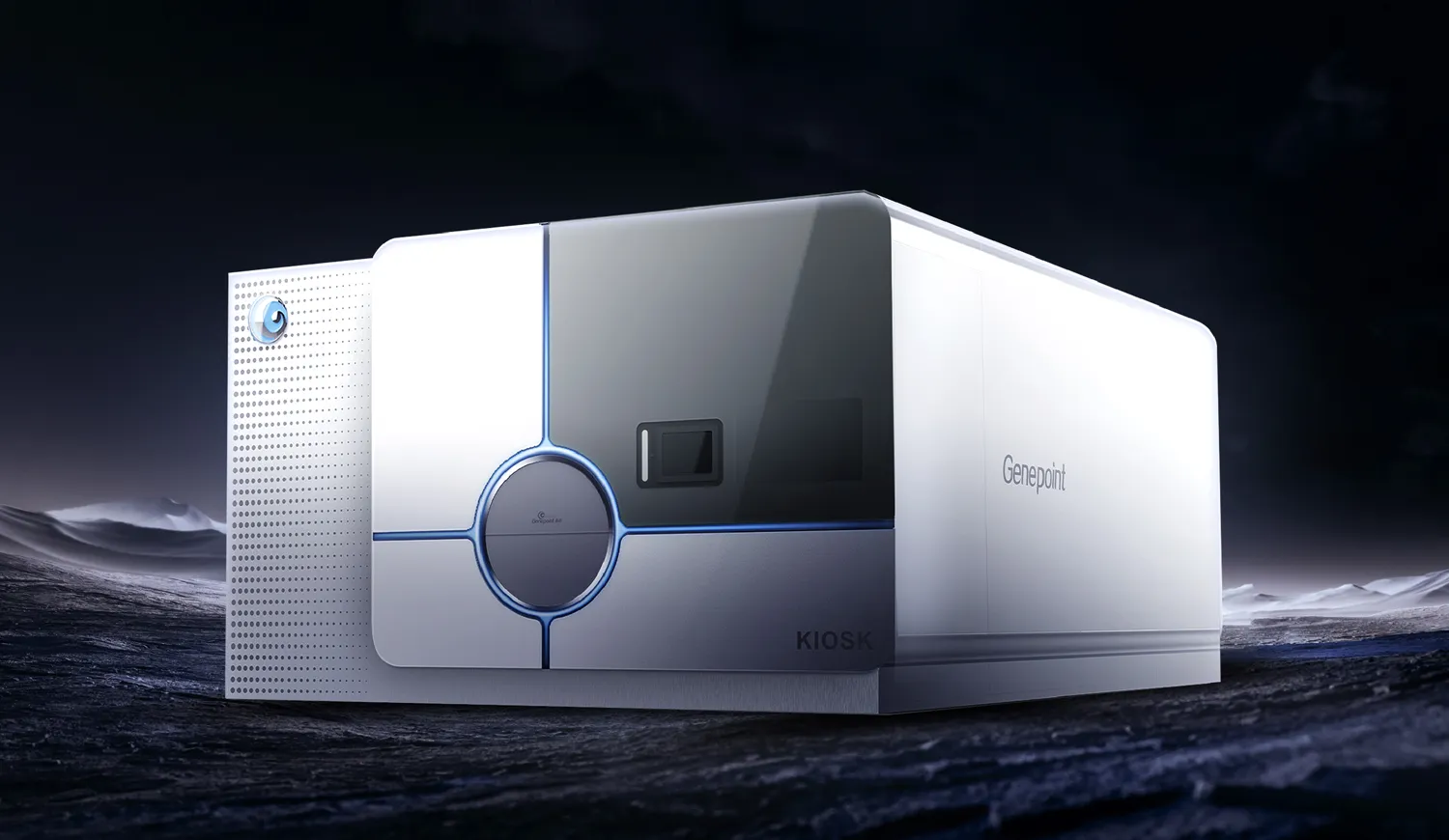
Genepoint applies this model in its automated systems. The Hatch Automated Cryogenic Repository System (Automated LN2 Freezer), the Snorkel Automated Sample Repository System (Automated Lab Freezer), and the Kiosk -80°C Automated Biobanking System (Automated Walk-in Freezer) each use automated execution paths to move samples between storage and a controlled retrieval point.
Location Validation and Inventory Updates
A second control point is location validation. When a rack is placed into storage, the system records the exact position. When it is retrieved, the system confirms that the item came from the expected position. If a rack is placed in the wrong slot, the automation can detect the mismatch before the inventory is updated. This prevents the common manual error of a sample being physically present but logically lost because the database points to the wrong location. After each completed movement, the inventory is updated automatically. The software does not require a separate data-entry step. This closes the gap between physical movement and digital record. For laboratories using the SampleAtlas storage-management platform with Hatch Automated LN2 Freezer or Snorkel Automated Lab Freezer, the platform supports task coordination and inventory visibility. Buyers should ask for documented evidence of how the platform handles permissions, audit logs, and reconciliation for their specific laboratory setup.
Exception Handling, Audit Review, and Periodic Reconciliation
Automation does not eliminate every error. A vial may be damaged, a barcode may be unreadable, or a user may attempt an unauthorized task. Exception handling is therefore a necessary complement. The system should log the exception, stop the affected task, and require a defined review before the sample is moved. Audit review allows laboratory managers to examine all scans, movements, and user actions over a selected period. Periodic reconciliation adds another safeguard: even with automated inventory, laboratories should compare the physical contents of selected racks or cryo boxes with the software record on a scheduled basis. This catches rare discrepancies such as a vial that was manually removed during maintenance or a rack that was loaded outside the standard workflow. Buyers evaluating automated storage should ask how the system supports exception reporting, audit export, and reconciliation workflows. They should also request documented evidence for mechanical-cycle testing, calibration, LIMS integration, validation, and maintenance. These are evaluation dimensions that should be verified rather than assumed.